How to Schedule Your Baseball & Softball Training Sessions
Use the link below to access our schedule in The Futures App.
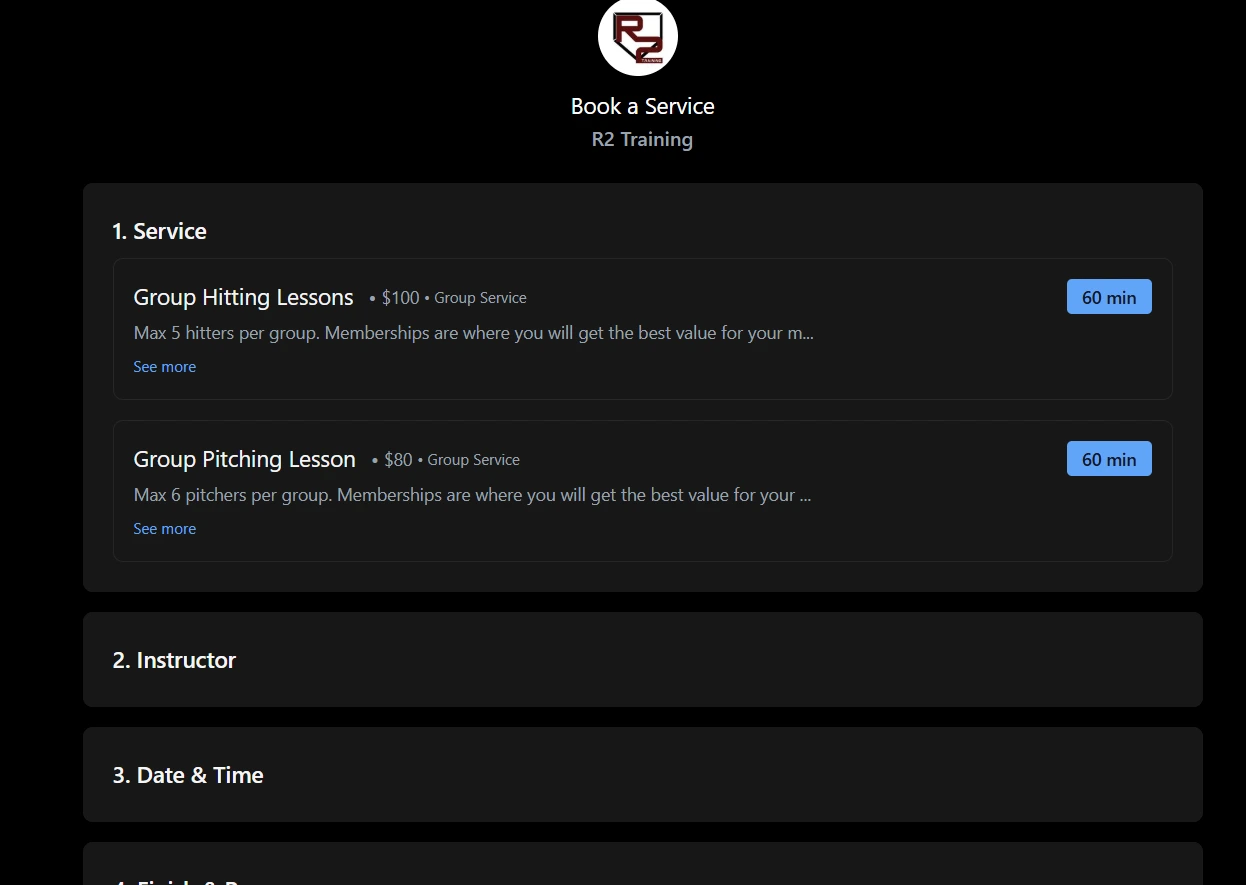
Select the service your wish to schedule
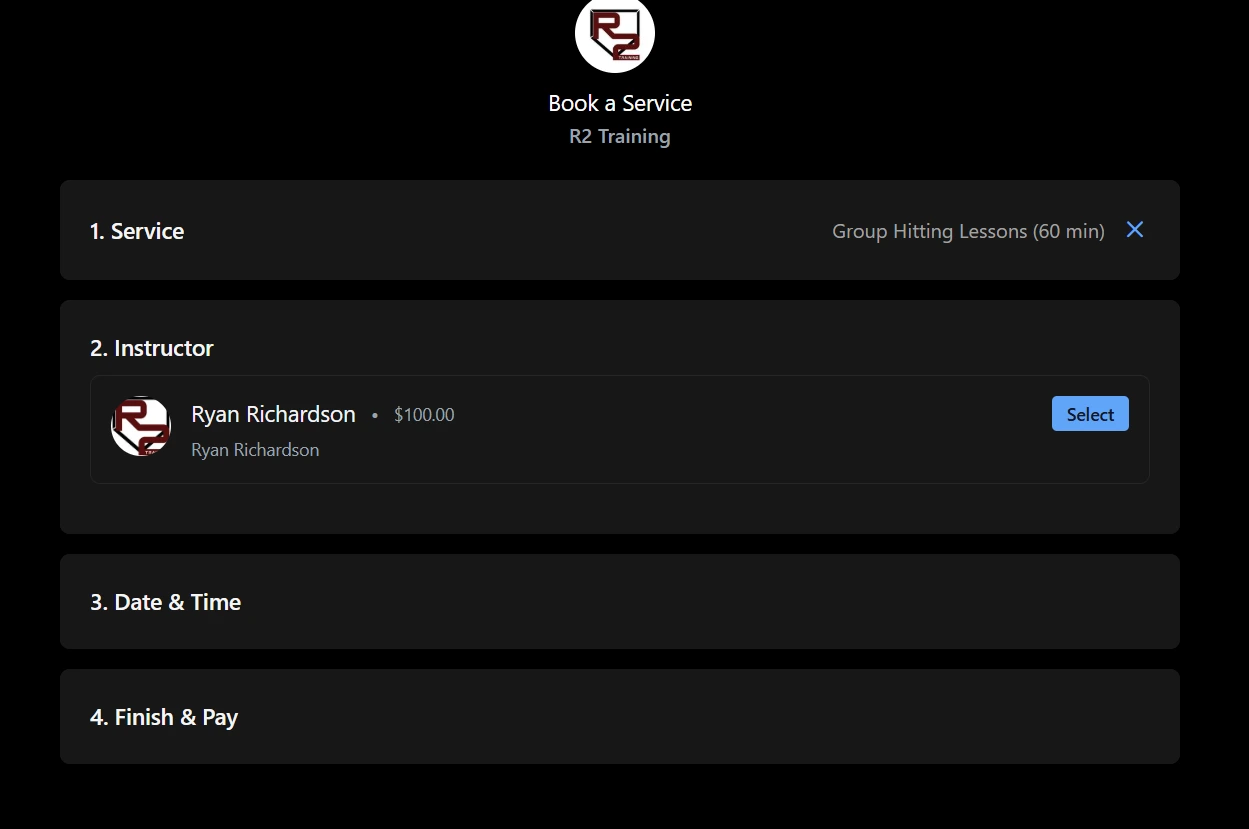
Select the instructor
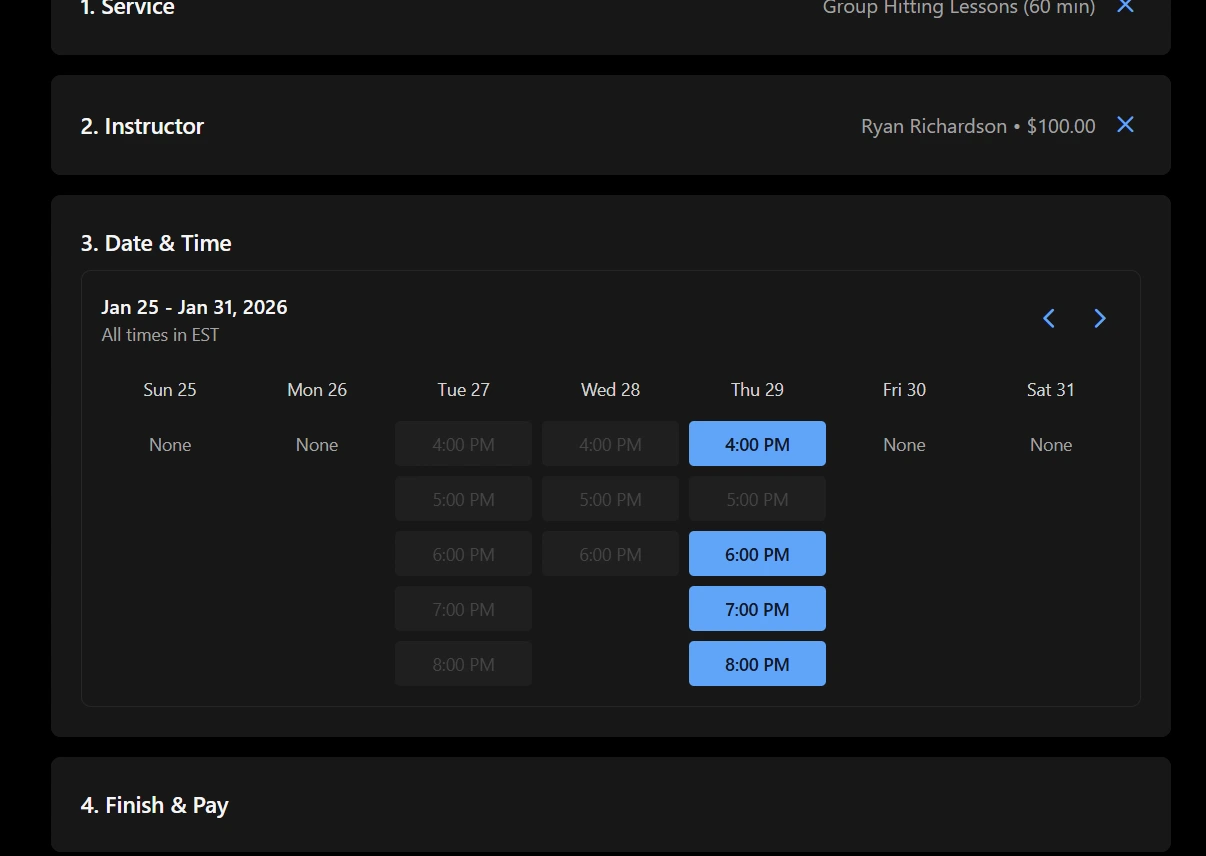
Select day and time
For your first lessons you will need to verify your email. Once you have completed this step you should not have to do it again as long as you have your cookies enabled in your web browser. If the button in the email is not verifying your email, either click or copy paste the link below the verify email button. You will know this is happening when you are in a continuous loop of email verifications. If you continue to have issues please email info@r2trainingindy.com and eddie@thefuturesapp.com for assistance. 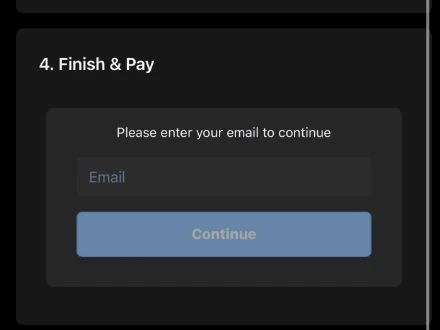
Select the lesson participant. Make sure you choose the same person your lesson package was purchased for. The lesson package will deduct payment from earlier service selection screen as long as the participant has an active membership.
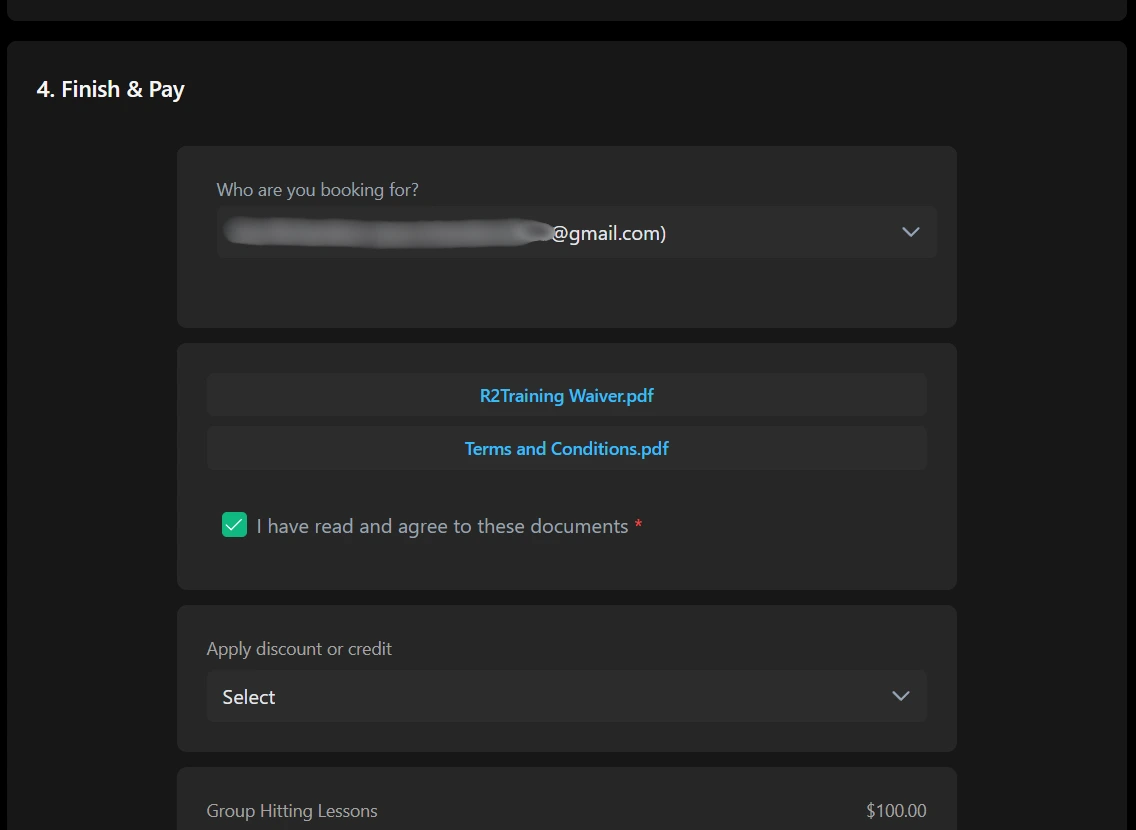
Read waiver and terms and conditions. Check mark the box agreeing to terms.
Click Complete booking to schedule your lesson.
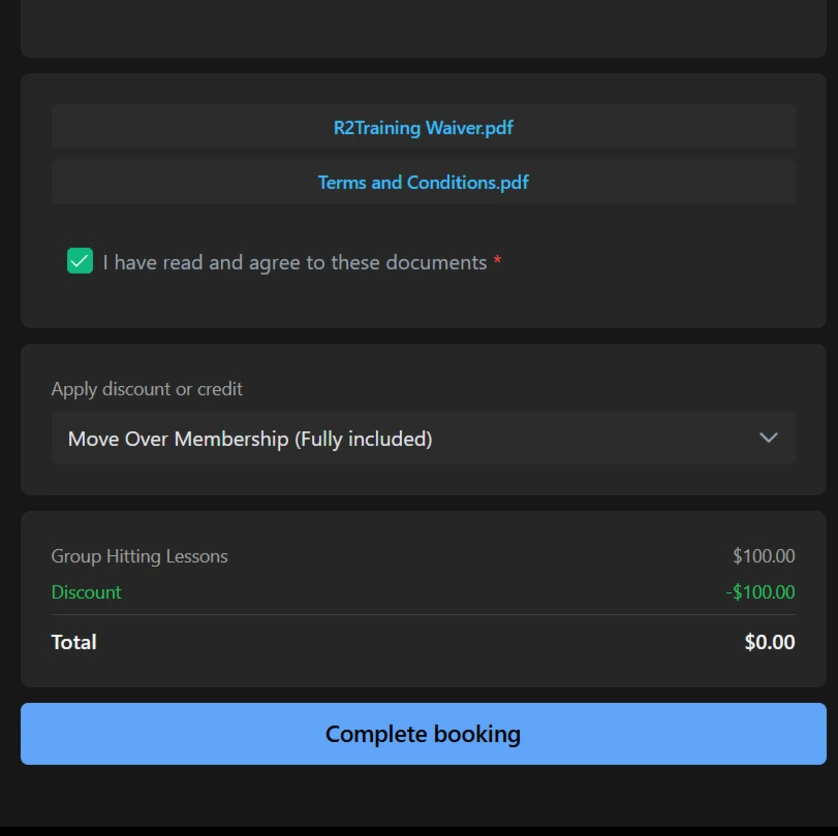
Once booked you can refer back to your scheduled time in the schedule tab in The Futures App.